:quality(50))
Automatic camera parking with express pay
Camera parking makes paying almost hands-free. Once enabled in the ParkMobile app, cameras scan your license plate to start your session when you arrive and end it when you leave. No area codes or wheel required. Just drive in and out.
This is how it works
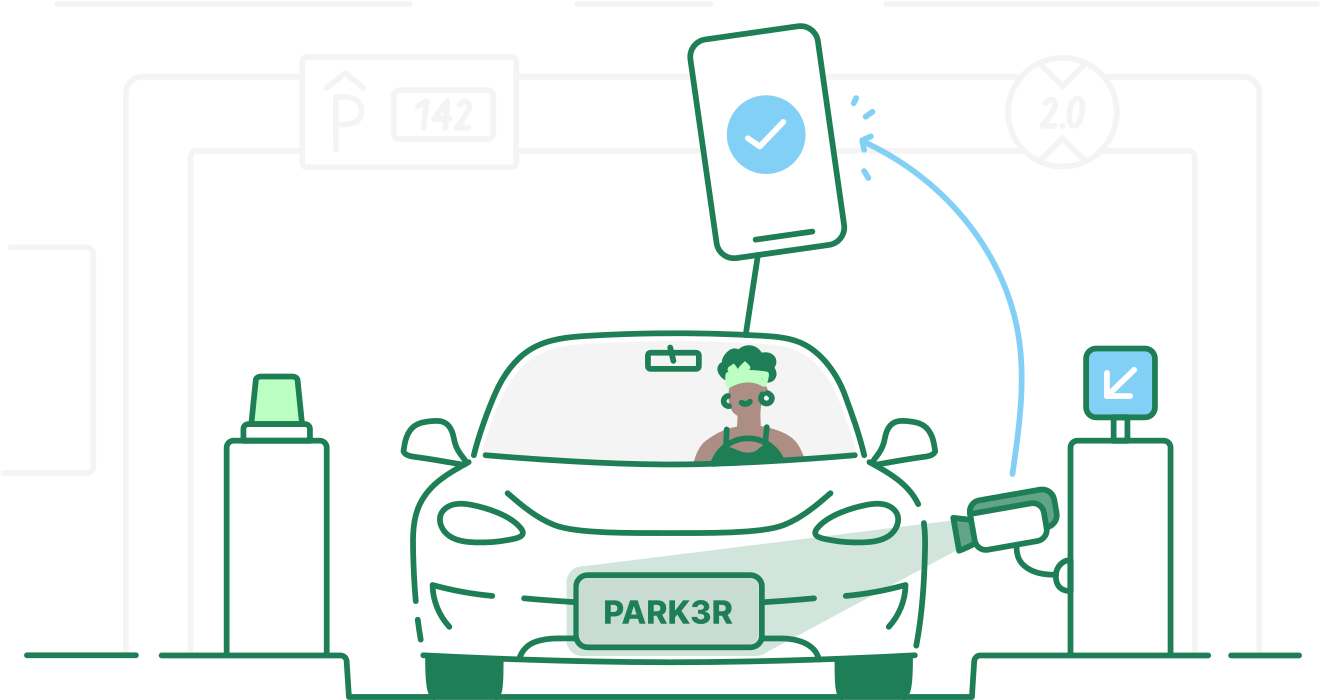
1. Drive in
Select a parking spot with the camera icon on the map. Cameras at the entrance will read your license plate and automatically start your parking session.

2. Enjoy your day
There's no need to worry about paying or tracking time. Your session runs in the background while you focus on what matters.
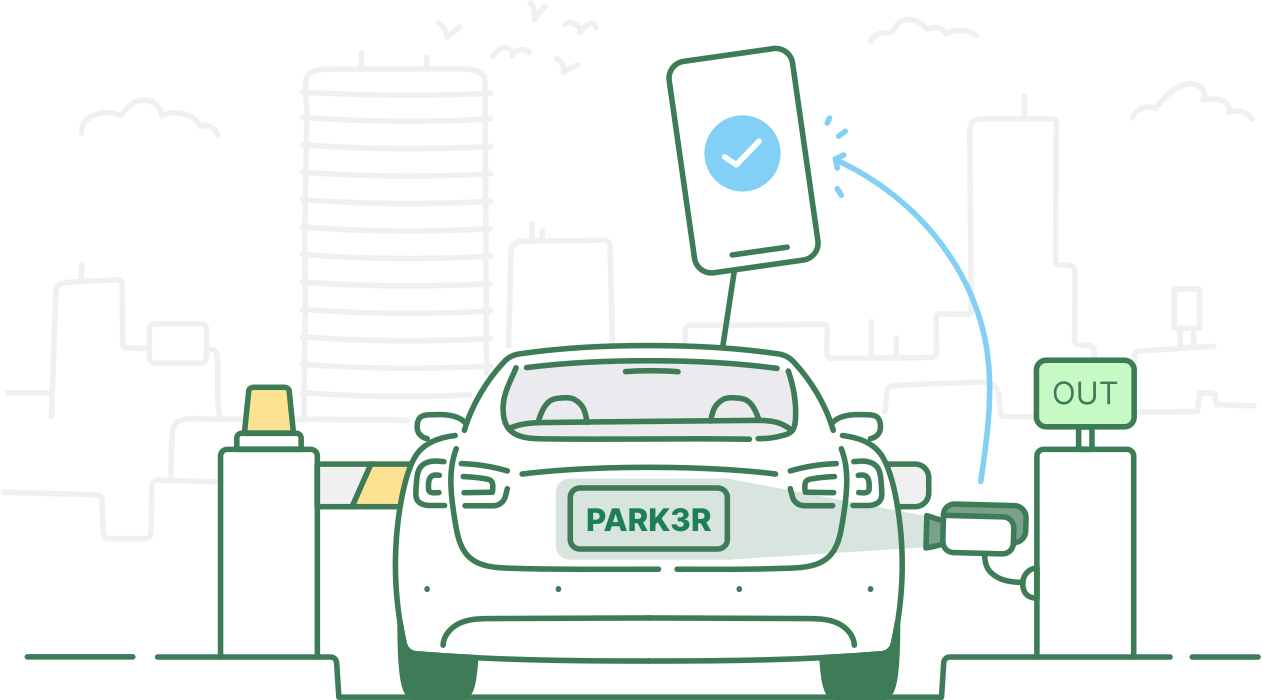
3. Drive out
When you drive out, the cameras stop the session, and the fee is automatically charged via the app.
:quality(50))
How to start using express pay
To use camera parking for the first time, enable it in the app at least 15 minutes before entering a camera-equipped facility. Only one user can have camera parking active per license plate.


:quality(50))
A smoother way of parking
With camera parking enabled, your parking starts and stops automatically when Automatic Number Plate Recognition (ANPR) cameras read your license plate at entry and exit. You’ll get push notifications, and camera-enabled locations are marked with a camera icon on the map.

Park often? Save money with ParkMobile Go
Skip services fees every time you zone park with ParkMobile Go. Save money on unlimited parking sessions for just $3.99 per month. Try 30 days free!